Reuse a result’s settings
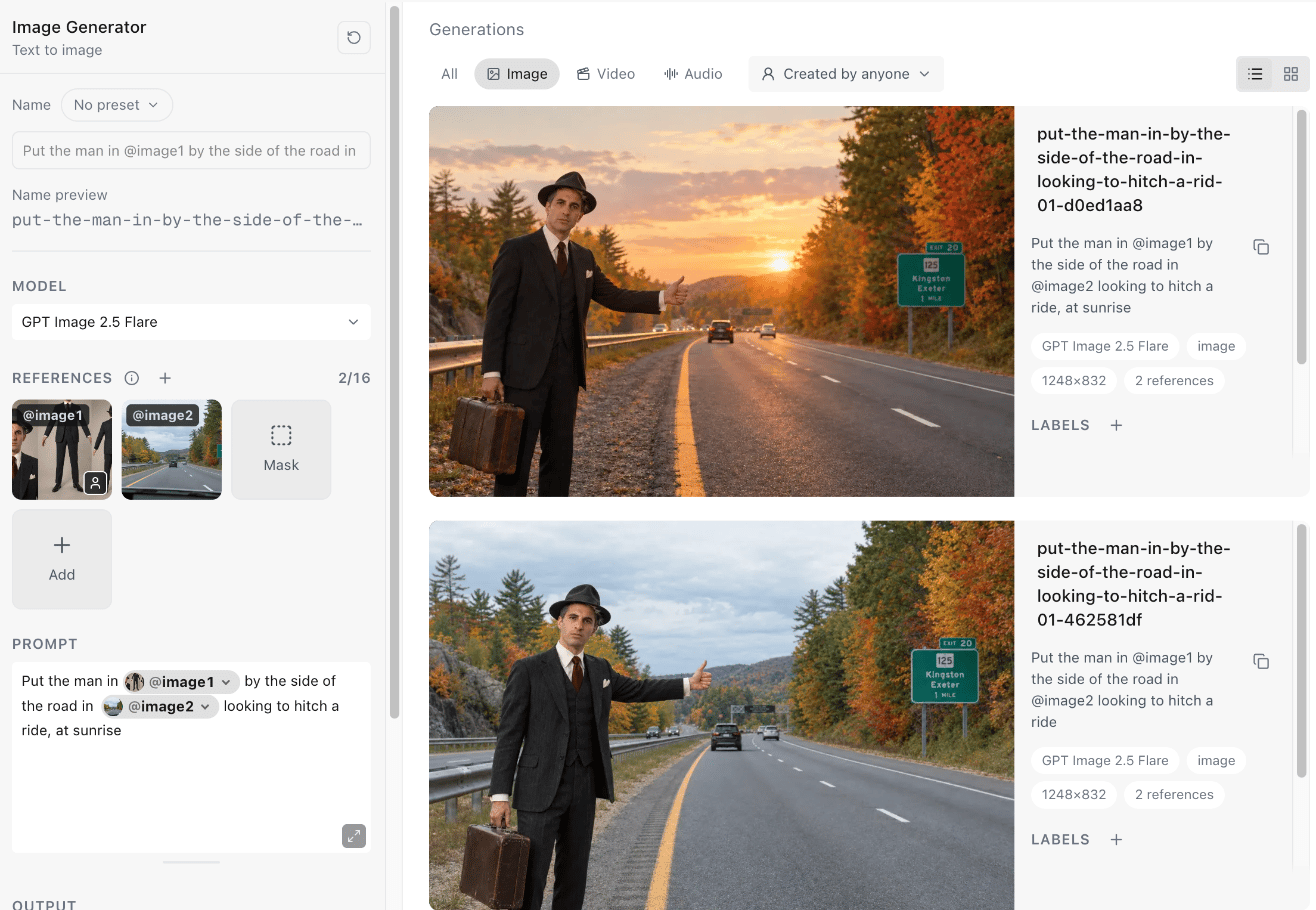
Reuse parameters puts a result’s model, prompt, settings and references back into the generator, so you can change one thing and generate again. Hover over a result in Generations and choose the Reuse parameters button, the circular arrows. It’s also in the viewer’s actions when you open a result.
- The model.
- The prompt, with its
@references in place. - The references, start and end frames, and keyframes the result used.
- Its output settings, such as aspect ratio, resolution, duration, sound or voice.
When a result can’t be reused
Generate tells you why instead of loading it. The most common reasons:- The result is the 1080p upscale of a Seedance draft. Reuse the draft instead. See Draft, then upscale.
- One of its references has been deleted or is no longer available.
- It used a model, setting or input that Generate no longer offers, or it was made with an earlier version of Generate.
See what a result was made from
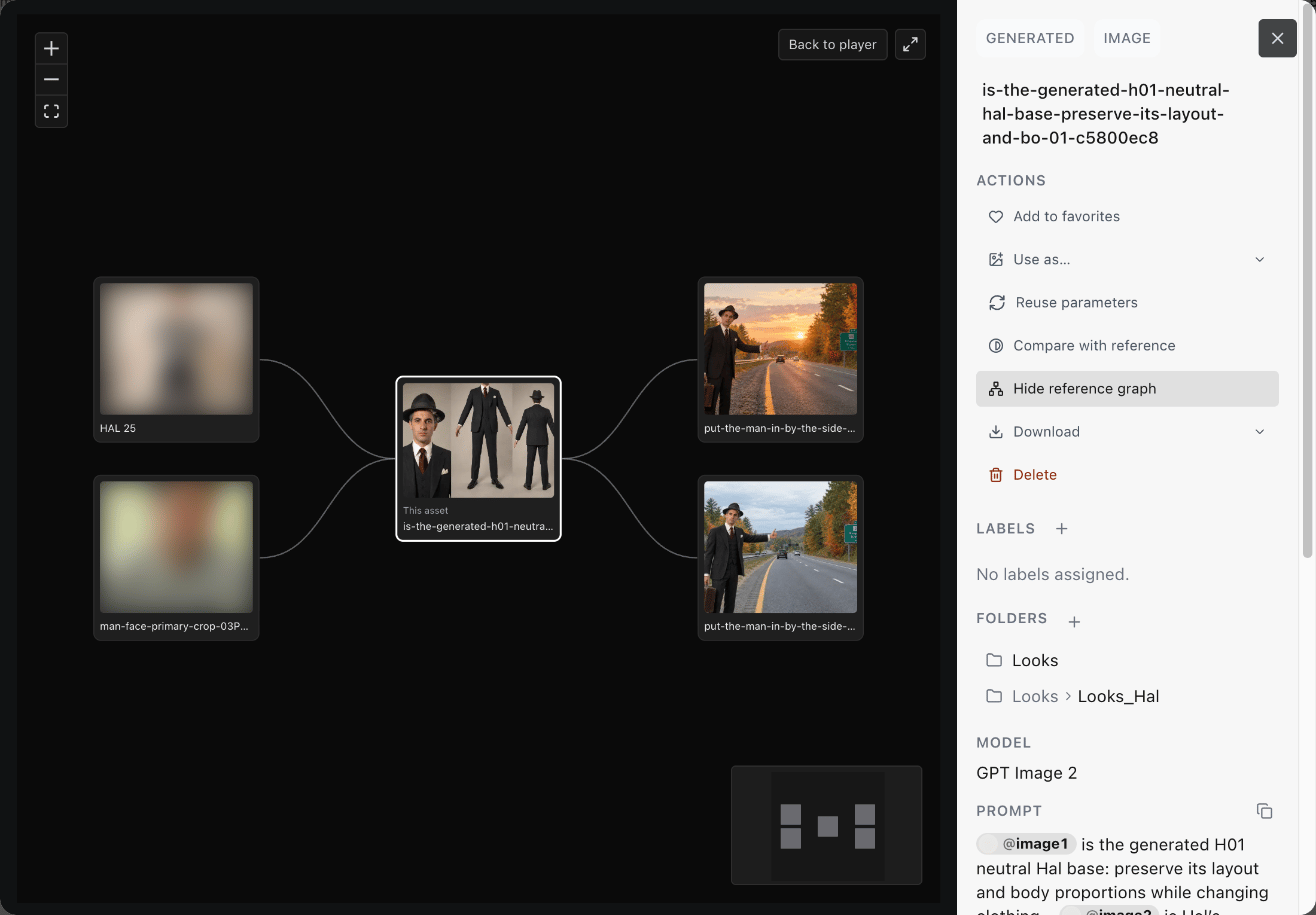
Open a result in the viewer and choose Show reference graph.