

Make a draft
- In the video generator, choose Seedance 2.5.
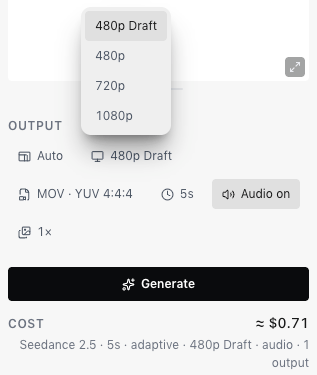
- Under Output, keep Resolution on 480p Draft. It’s the first option and the default.
- Check Cost and choose Generate.
Upscale it
In Generations, the draft’s card shows Upscale draft and how long you have left. You can upscale a draft for 7 days after you make it.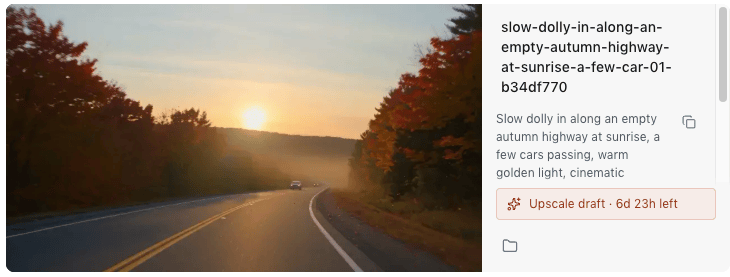
- Choose Upscale draft on the draft’s card in list view, or in the viewer when you open the draft. Grid tiles don’t show it.
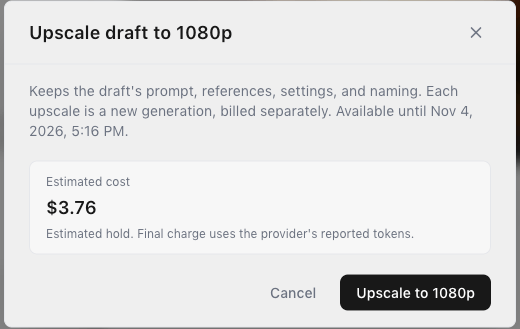
- Check the estimated cost, then choose Upscale to 1080p.
Good to know
- In Generate, Upscale draft appears on your own drafts. To upscale a teammate’s draft, open it in the Library’s viewer. The upscale is your own generation.
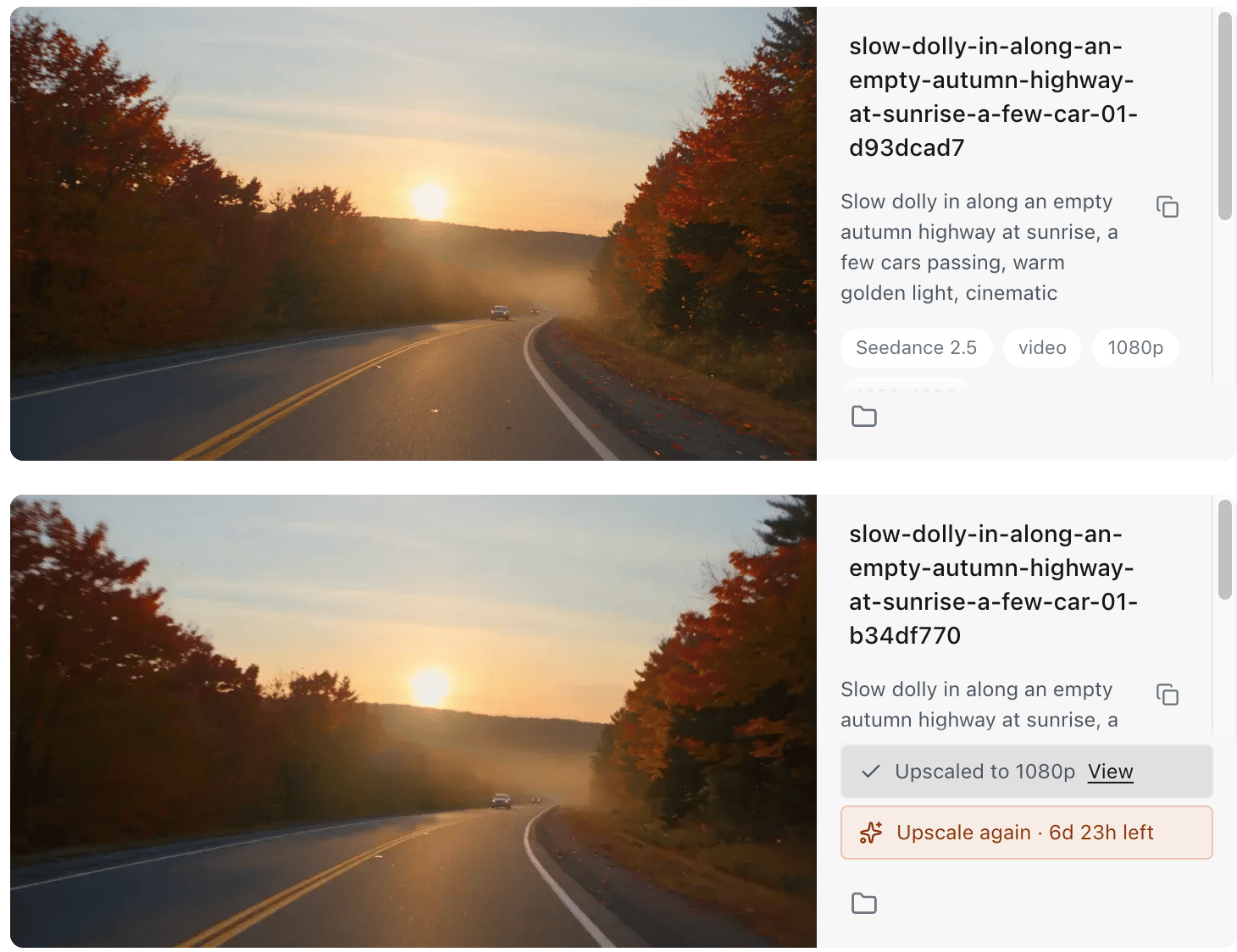
- To try a variation, use Reuse parameters on the draft, not on the upscaled video.