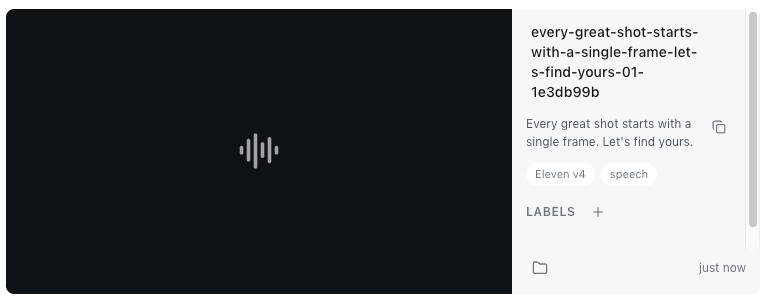
Make a clip
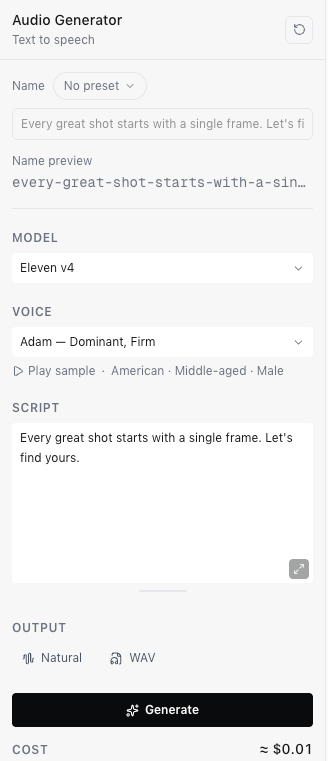
- Choose a Voice. Each voice lists its accent, age and gender. Choose Play sample to hear it first.
- Type what the voice should say in Script, up to 10,000 characters. Tags
in square brackets, such as
[whispering], direct how a line is spoken. - Under Output, choose a Delivery style (Creative, Natural or Robust) and a format: WAV at 44.1 kHz or MP3 at 192 kbps.
- Check Cost, then choose Generate.