Where assets come from
Every asset has an origin, shown on it in the Library:- Uploaded: a file someone added. See Upload.
- Generated: an output of a generation, made in Generate or through the API.
- Derived: a copy made from another asset, such as a resized image, a PNG version or a frame saved from a video. Derived copies are free, and the original stays as it was.
Names
Uploads keep their file name, without the extension. Generations are named after their prompt or a naming preset. See Naming presets. To rename an asset, select its name in its details.Favorites
A heart marks an asset as a favorite. Favorites are shared, so everyone in your organization sees the same ones. Generate can pull a folder’s favorites into a prompt. See Folders and labels.What an asset was made from
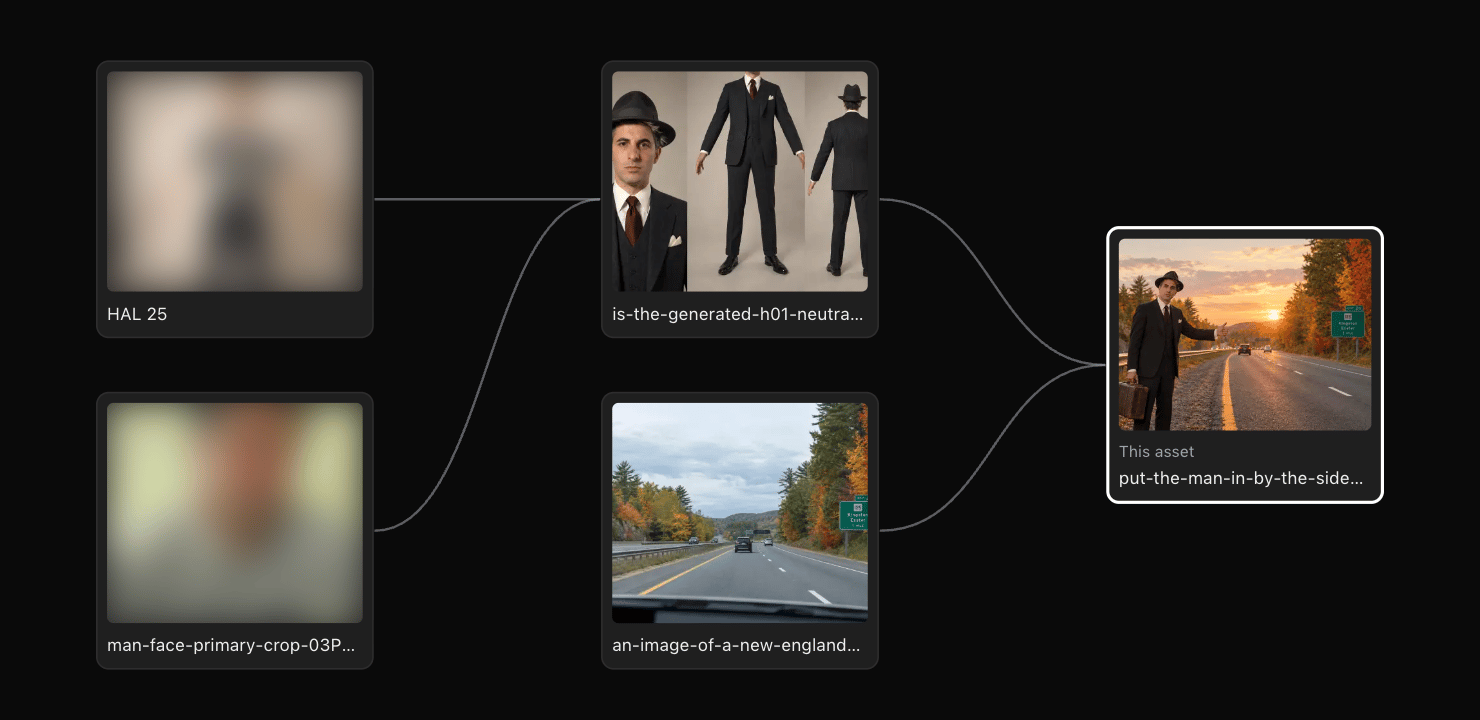
A generated asset remembers its references: the assets it was made from. Its details list them, and Earlier references shows what those references were made from in turn. Show reference graph draws the whole chain, from the first uploads to this asset, and what’s been made from it since.