

- Library: its uploads, generations and derived copies. An asset belongs to exactly one project.
- Folders for organizing that Library.
- Generations history in Generate.
- Naming presets for file names. See Naming presets.
- Settings and monthly budget.
Switch or create a project
The project menu in the top bar shows the project you’re in. Open it to switch to another project, or choose New project… to create one. Anyone can create a project. Projects can’t be archived or deleted.Project settings
Open the project menu, choose … beside a project, then Project settings. Everyone can see a project’s settings, and Owners and Admins can change them.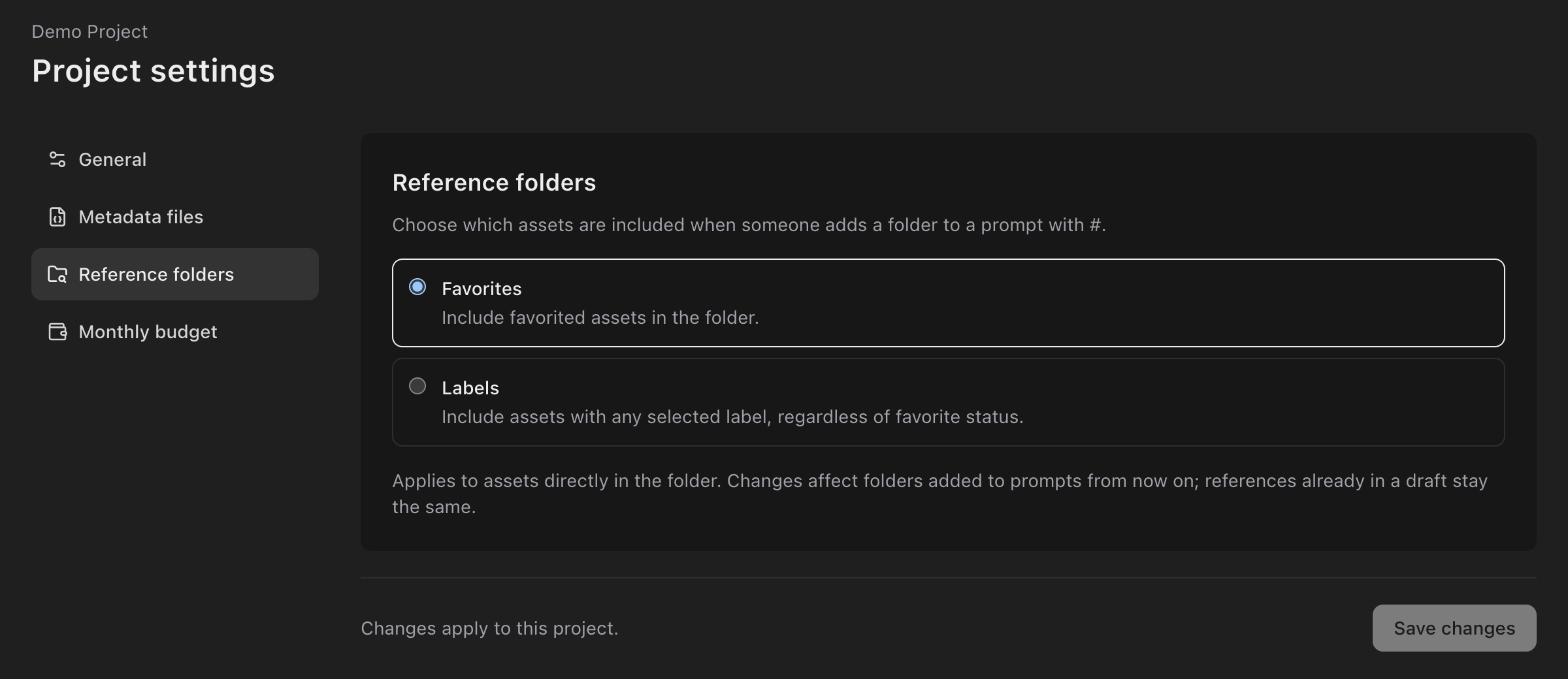
Organizations with LucidLink also see the project’s LucidLink destinations
here.