Both count usage this calendar month (UTC), including work running now, and
reset on the 1st. Generations that run on your organization’s own provider
account, if ZeroGen has set one up, are billed by the provider and don’t
count.
A generation that costs more than its estimate can take usage a little past a
limit. The next one is refused. If yours is refused, ask an Owner or Admin.
Monthly spend limit
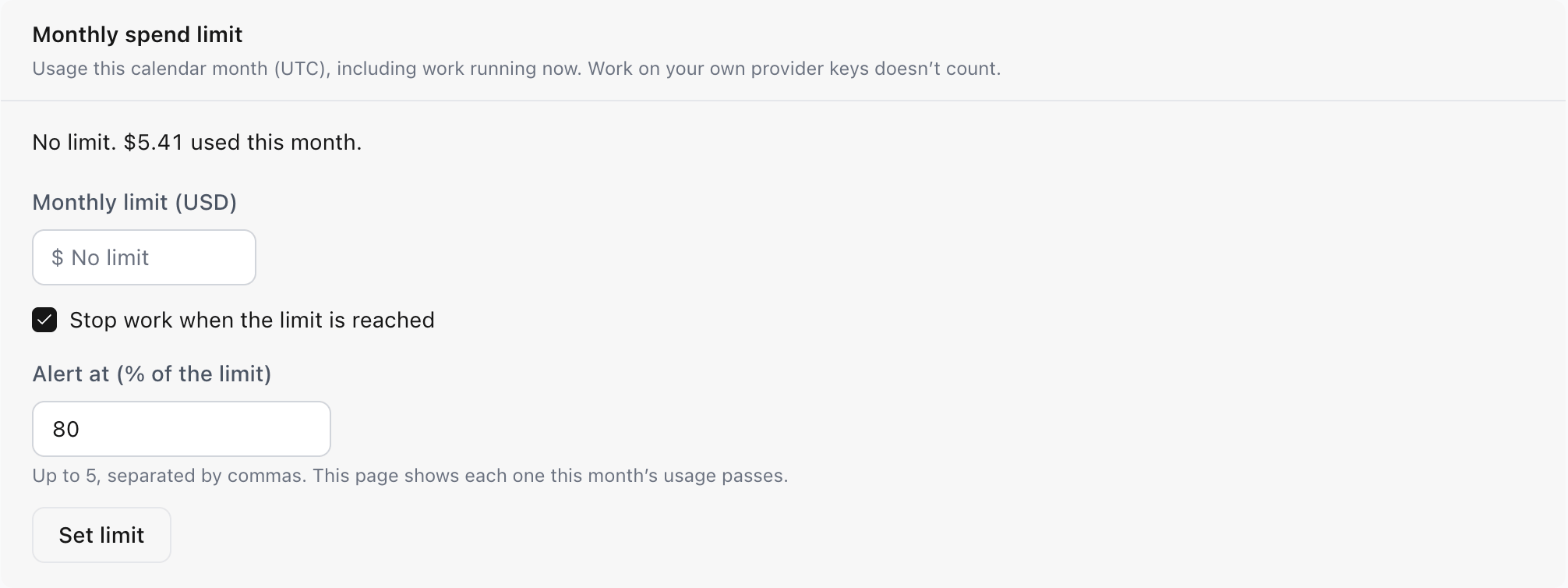
In Settings › Billing, Owners and Admins can set a monthly limit for the whole organization, in whole dollars.- With Stop work when the limit is reached on, a new generation is refused if it would take this month’s usage past the limit. Turn it off to let work continue past the limit.
- Alert at sets up to five percentages of the limit, 80% by default. The Billing page marks each one this month’s usage has passed. ZeroGen doesn’t send alert emails.
Project monthly budget
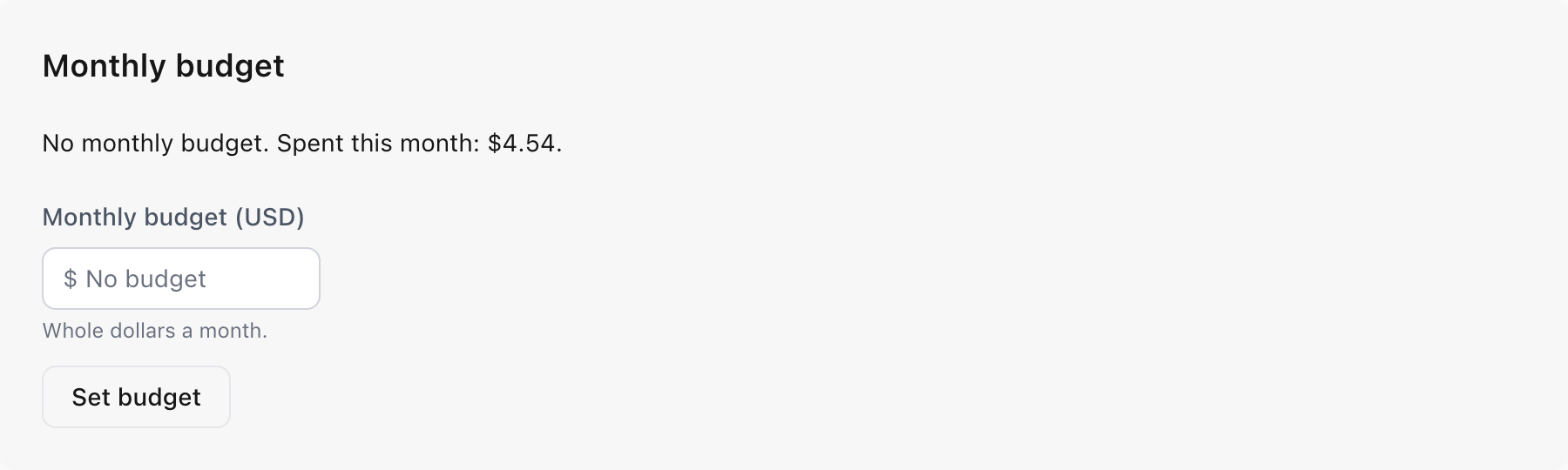
In a project’s settings, Owners and Admins can set a monthly budget for that project. Everyone can see what the project has spent this month. A new generation there is refused if it would take the project’s usage this month past the budget. There’s no setting to only warn.