Your organization has one balance of credits, and each generation uses some of it. That balance pays for everything your organization makes, in Generate and through the API.
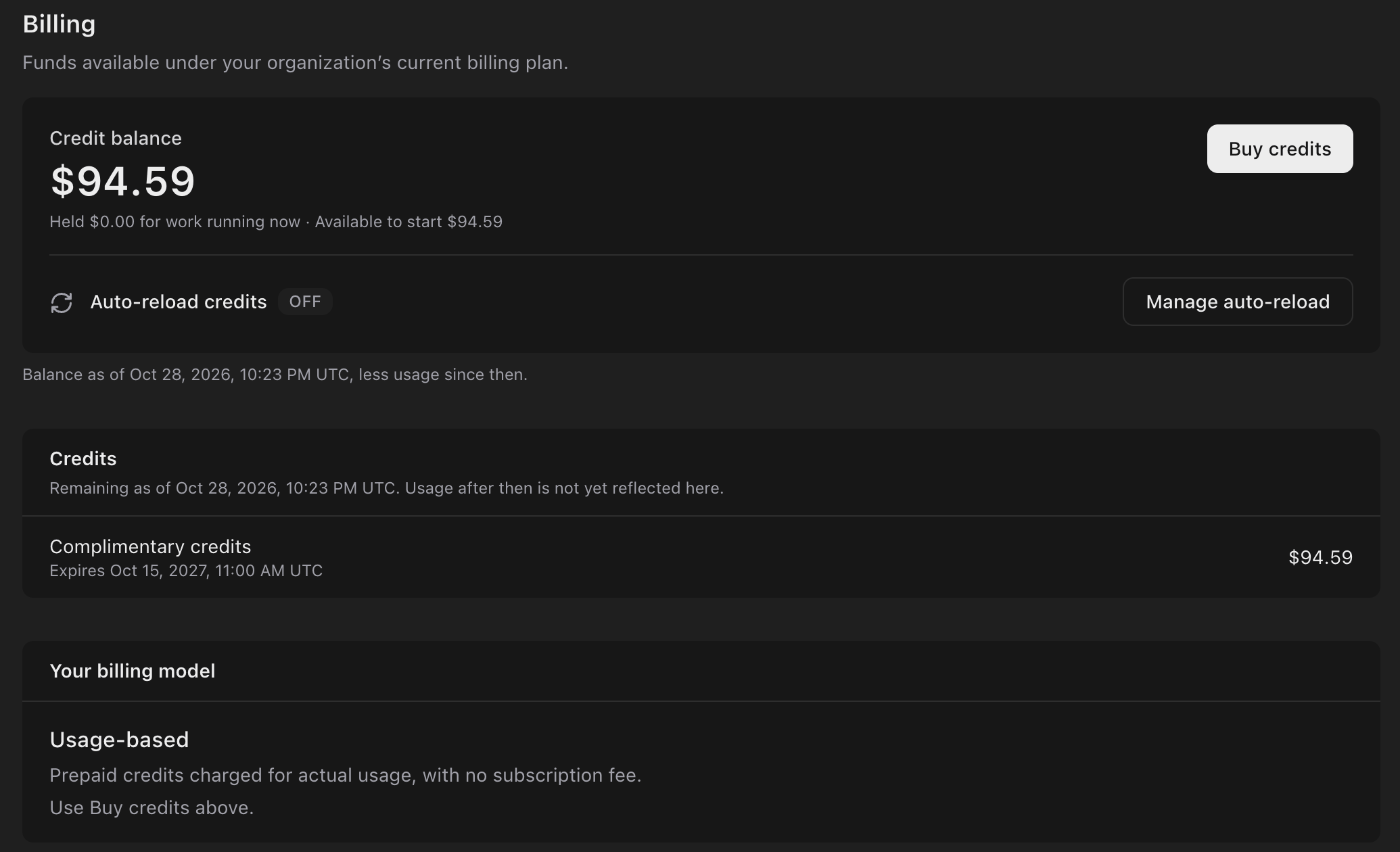
Settings, Billing: a credit balance of $94.59 with $0.00 held and $94.59 available to start, Buy credits, Auto-reload credits off, complimentary credits expiring Oct 15, 2027, and the Usage-based billing model.

Your balance

Settings › Billing shows:
  • Credit balance: what your organization has left.
  • Held: set aside for work that’s running now.
  • Available to start: the balance less what’s held. A new generation needs enough here to start.
The balance in the top bar shows the same amounts as Organization balance, Available to start and Reserved for running work. Credits lists where your balance comes from, with what’s left of each and when it expires. Its amounts are as of the time shown, so the latest usage may not appear yet:
  • Prepaid credits you buy. They expire one year after purchase.
  • Auto-reload credits added automatically. See Add credits.
  • Complimentary credits from ZeroGen. They expire one year after they’re added.

How a generation is charged

  1. Estimate: before you choose Generate, ZeroGen shows what the generation should cost.
  2. Hold: when it starts, ZeroGen holds the estimate from your balance.
  3. Charge: when it finishes, you’re charged for what the model actually used, and the hold is released. The charge can be higher or lower than the estimate.
If a generation fails, you aren’t charged for the output it didn’t make, though you may be charged for work the model already did. If you cancel, outputs that already finished are kept and charged. A video the model refuses before it starts is released right away. A Seedance draft and its upscale are separate generations, each charged on its own. See Draft, then upscale.

Add credits

Owners and Admins can buy credits whenever they like, or turn on auto-reload to top up the balance automatically when it runs low. See Billing settings.

Who manages billing

Everyone in your organization can see Settings › Billing. Owners and Admins buy credits, manage auto-reload, cards and billing details, set the monthly spend limit, and see invoices and the Usage page. See Billing settings and Spend limits and budgets.