

Download one asset
Hover over an asset and choose the download button, or open it and choose Download. When a project’s Metadata files setting is on, downloading a generated asset also saves a JSON file describing how it was made. To get only one of the two, open the asset’s menu and choose Download › Download media only or Download metadata only.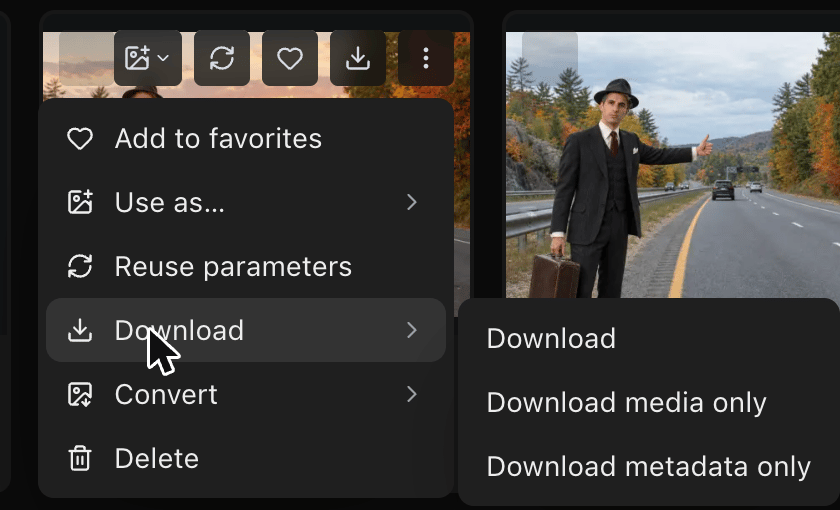
Download several assets
- Select the assets, or choose Select all.
- Choose Actions › Download.