Delete assets
Open an asset’s menu, or open the asset, and choose Delete. To delete several, select them, then choose Actions › Delete. While you’re in a folder, ZeroGen asks what you want:- Remove from folder takes the assets out of this folder. They stay in the Library and in any other folders.
- Remove from all folders keeps them in the Library, in Unfiled.
- Delete moves them to Recently deleted.
Delete a folder
Open the folder’s menu in the sidebar or on its card, and choose Delete folder. Then choose:- Delete folders, keep assets: the assets stay in the Library. Any that aren’t in another folder move to Unfiled.
- Delete folders and assets: the assets move to Recently deleted too.
Restore assets
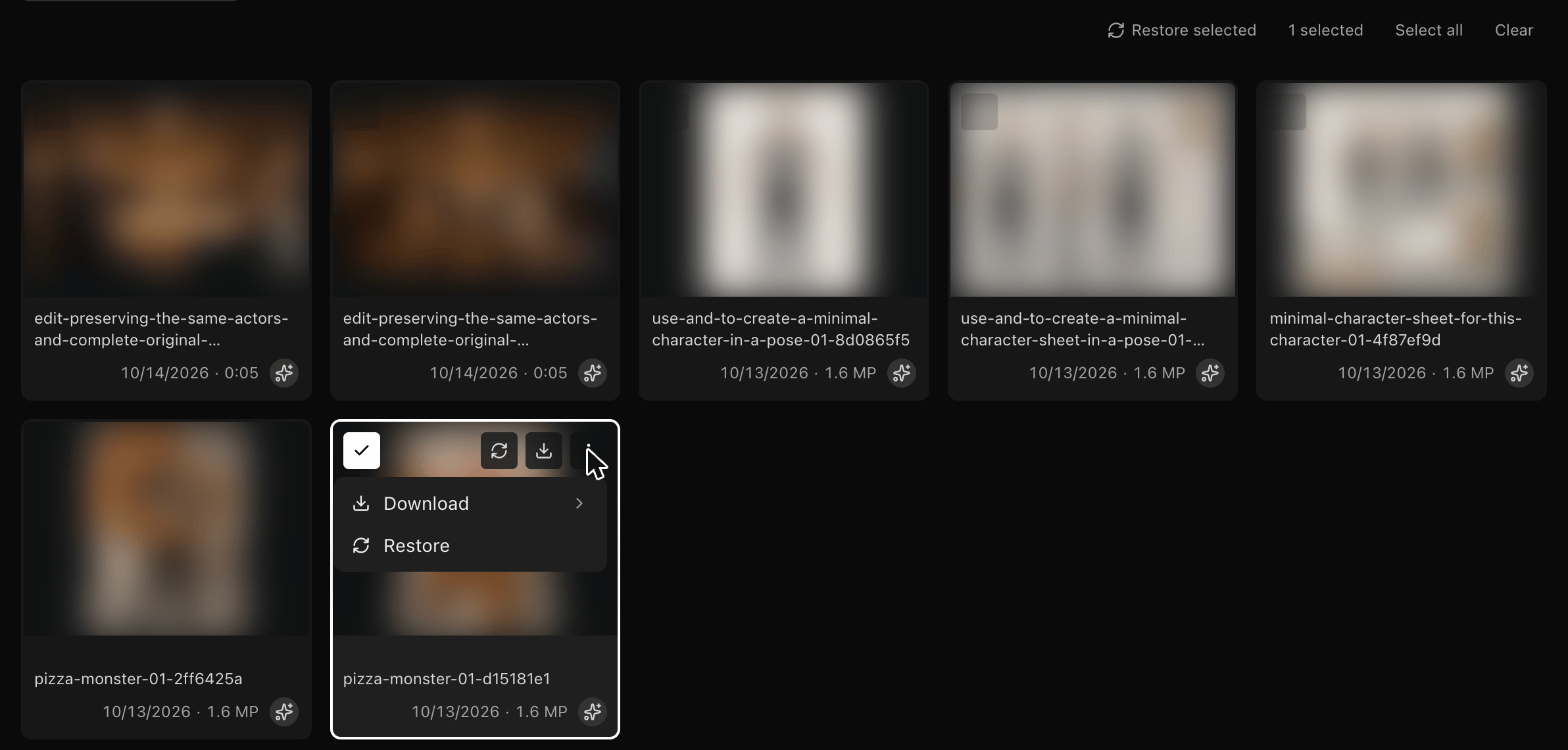
Choose Recently deleted in the Library sidebar. You can search and filter it like the rest of the Library.- To restore one asset, open its menu and choose Restore.
- To restore several, select them and choose Restore selected.